br
br

Learn How
 Keep Scrolling
Explore por tópico
How to Locate BBA Branches in the BB S.A. App
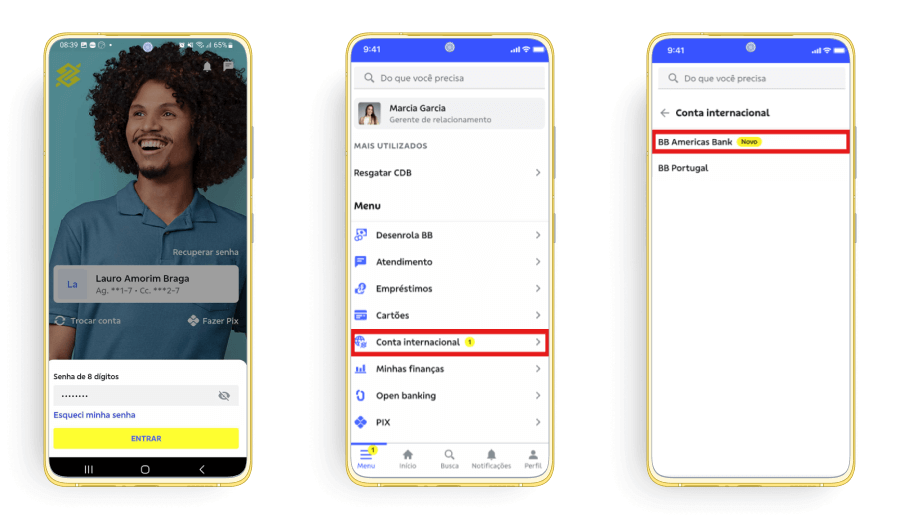
1. Access your BBA account in the BB S.A. App
2. Click on “Agências BB Americas”.
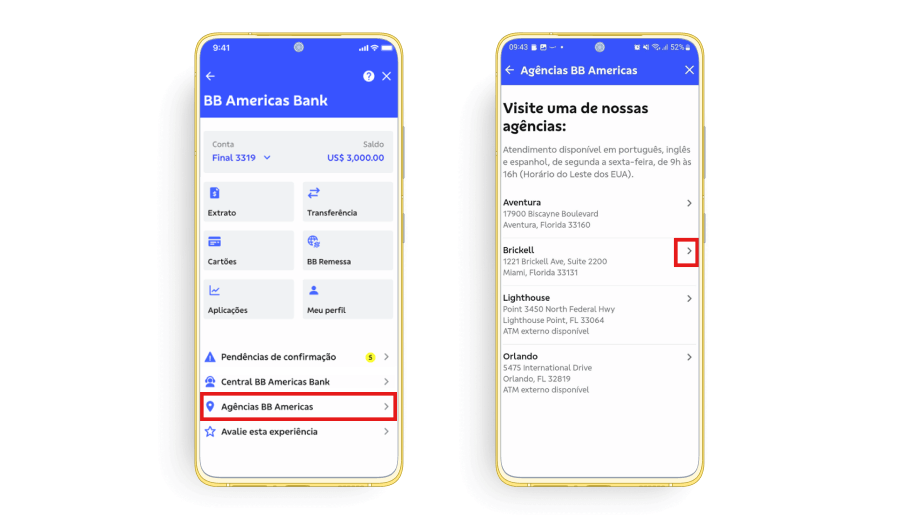
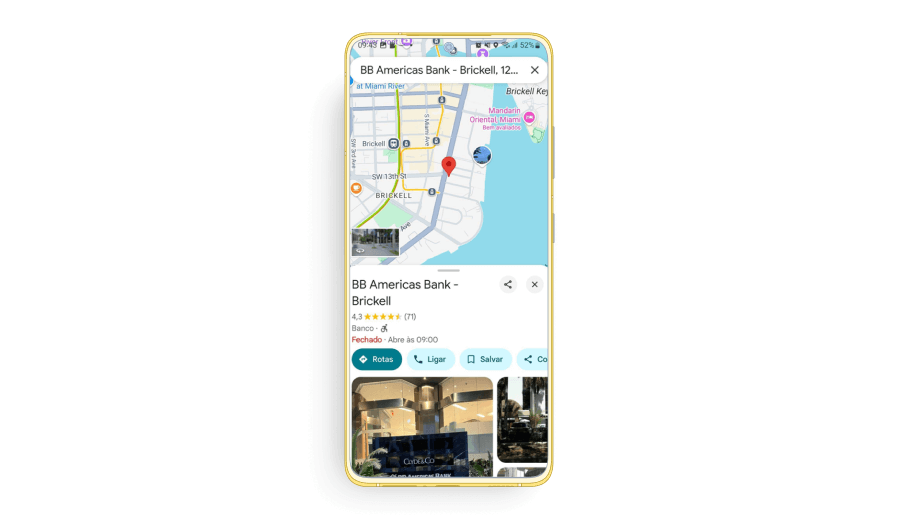
3. When you select your preferred branch, you will be redirected outside the BB S.A. App and have easy access to directions to the selected branch.