br
br

Learn How
Explore por tópico
How to Update Your Password in the BB Americas Bank App
You can update your password in the BB Americas Personal Mobile Banking.
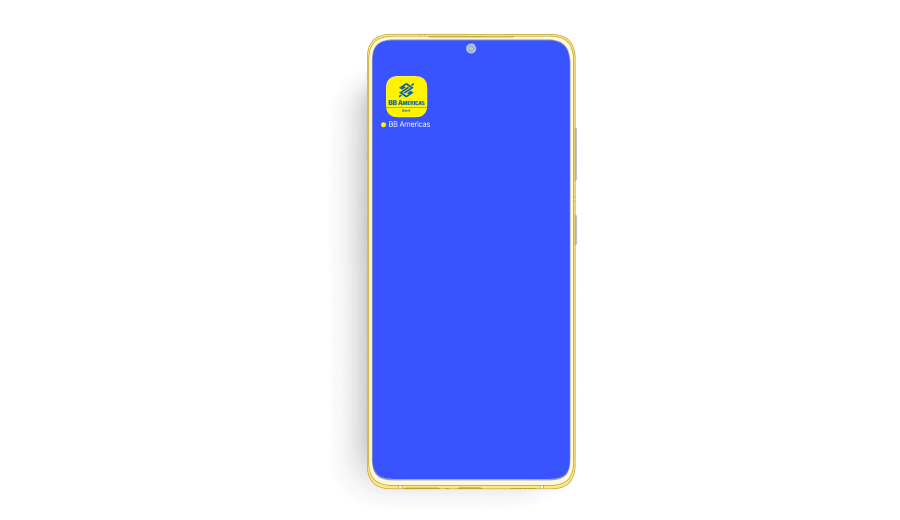
1. Open the “BB Americas Personal” Mobile App.
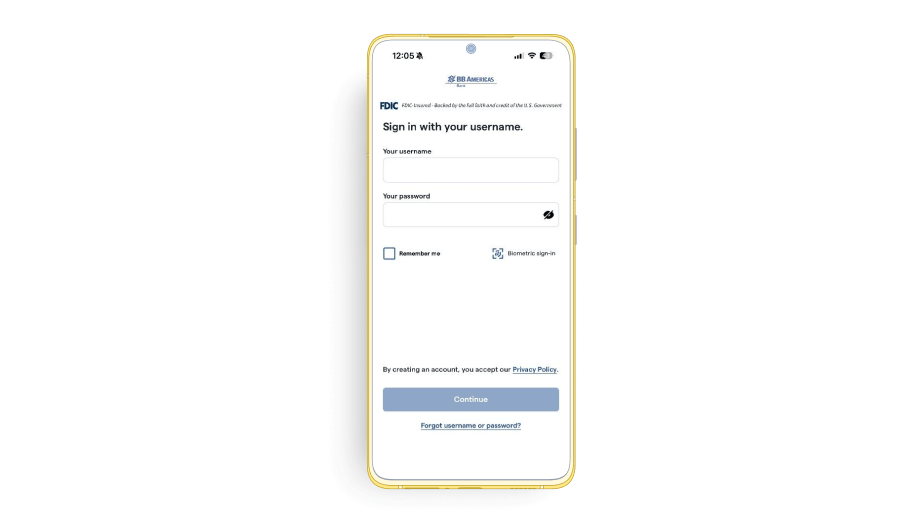
2. Enter your “Username” and “Password”. Click “Continue”.
3. Go to “Profile” on the top left and click “Settings”.
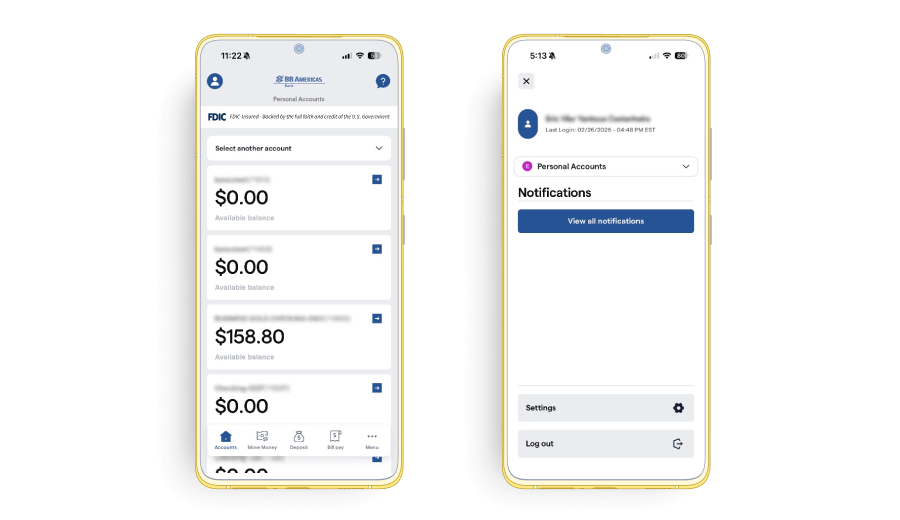
4. Once there, select “Password” and follow the instructions below to change your password.
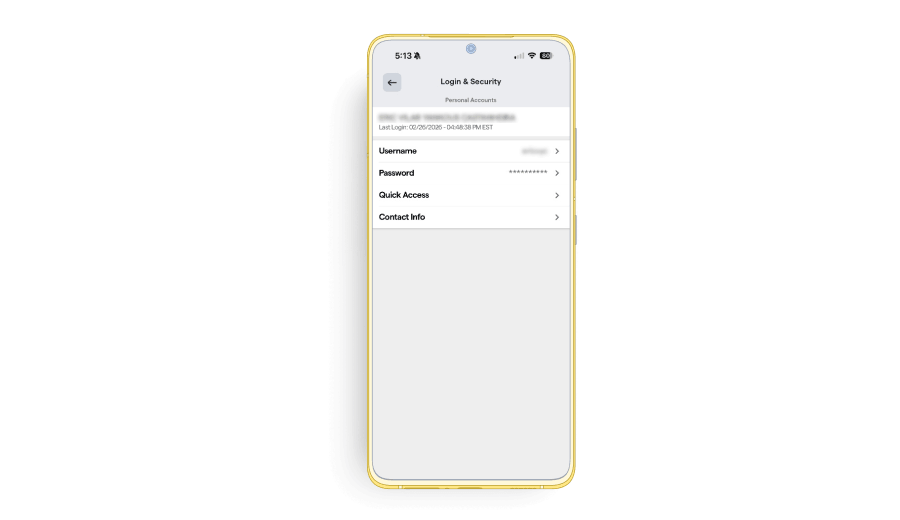
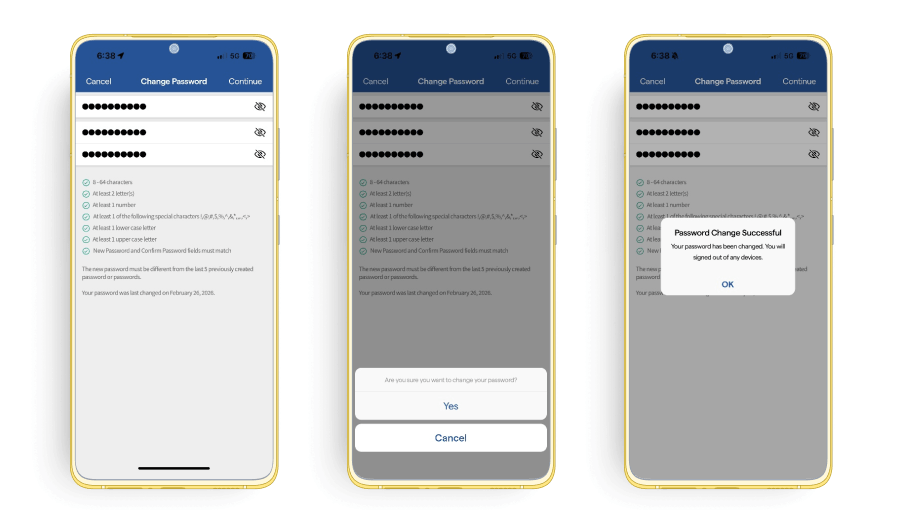
5. You must enter your current password, type the new password twice to confirm the change. Click “Continue”.
Note: The password must contain 8 to 64 characters, at least 2 letters, 1 number, 1 of the following special character _ . @ – # $ % + / ^ ‘ and 1 lower case character, 1 upper case character and must be different from the last 5 previously created passwords.
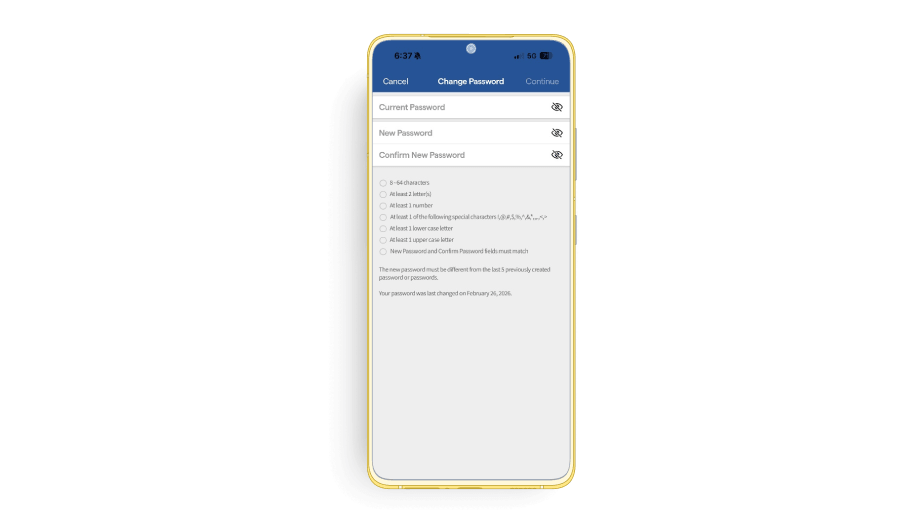
6. Click “Continue” on the top right corner and then “Yes” to save the new password. A success message will appear.