br
br

Learn How
Explore por tópico
How to Update Your Email in the BB Americas Bank App
Keep your contact information always updated to receive important information and alerts about your account(s). You can update your email and telephone number in the BB Americas Personal Mobile Banking.
1. Open the “BB Americas Personal” Mobile App.
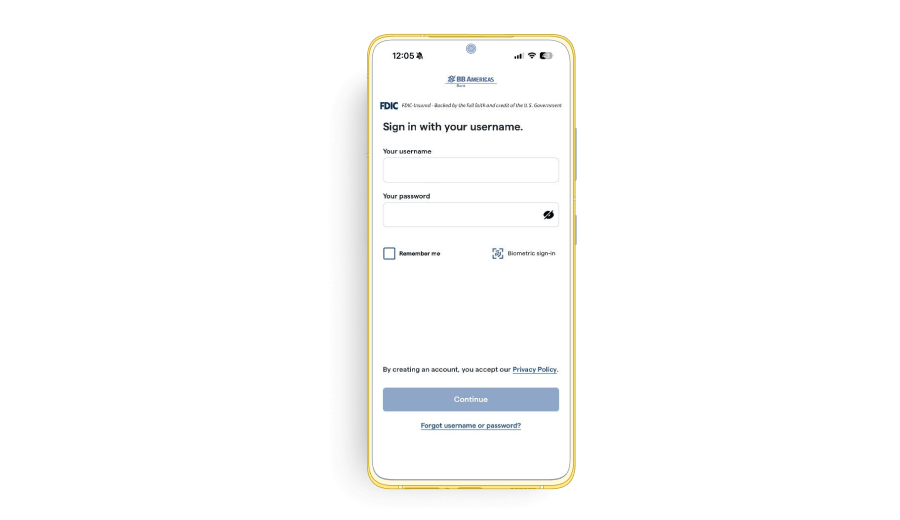
2. Enter your “Username” and “Password”. Click “Continue”.
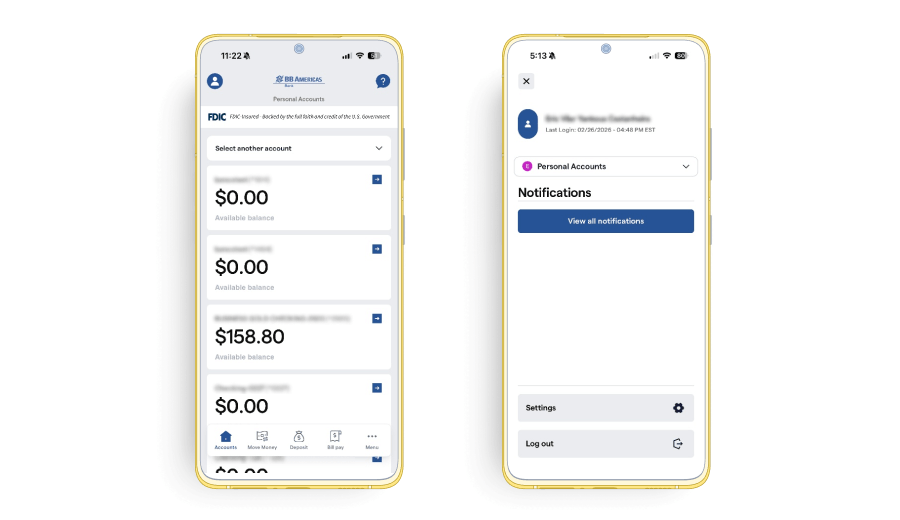
3. Go to “Profile” on the top left and click “Settings”.
4. Once there, select the “Contact Info” tab and follow the instructions below to update your contact information.
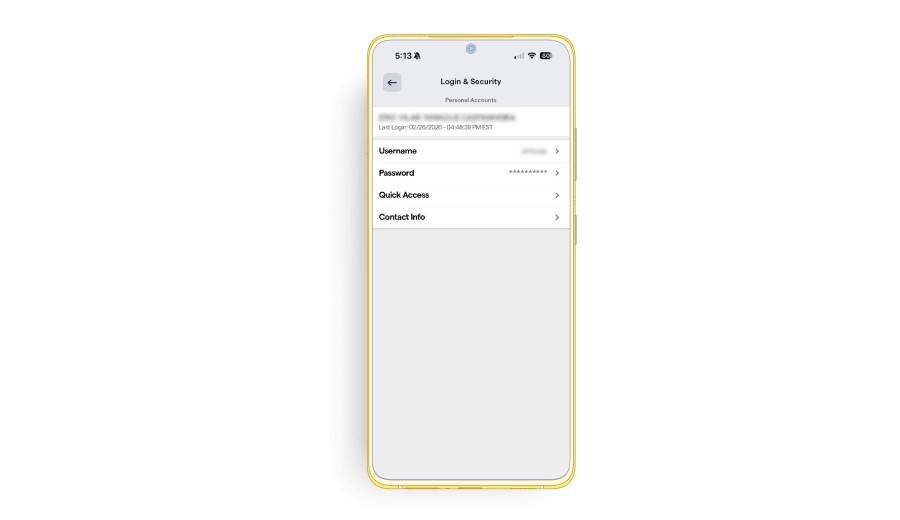
5. On this screen, you can add a new email or update an existing email.
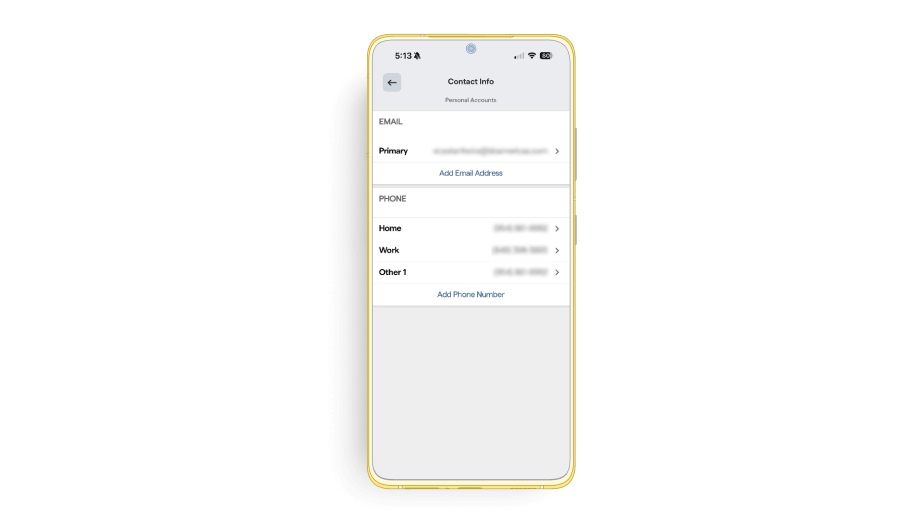
6. If you choose to update an email, the current email registered in the system will appear on the screen. If you are adding a new email, the field will appear blank. Enter the new email.
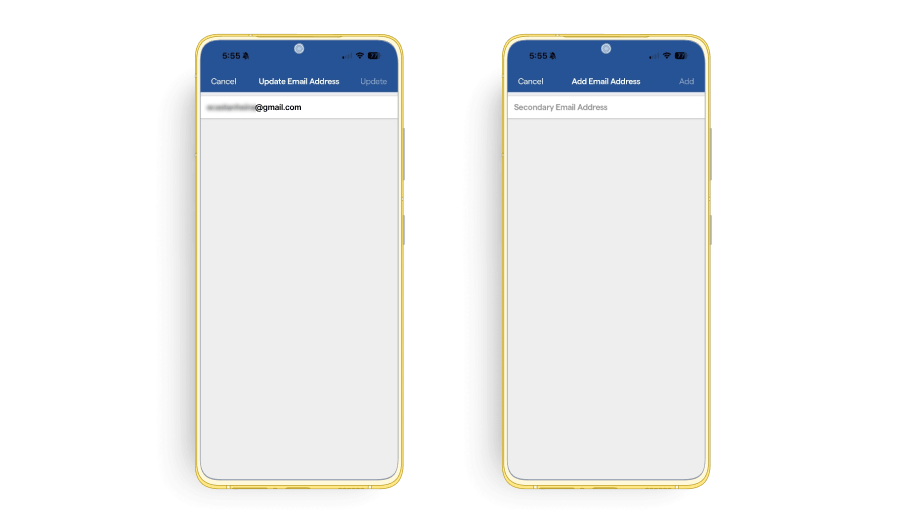
7. Click “Update” or “Add” on the top right corner to save the changes. A confirmation message will appear.
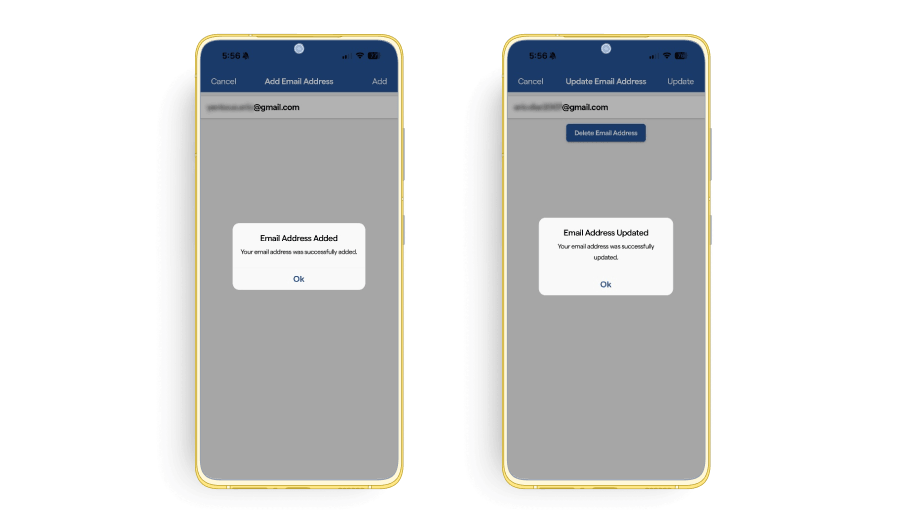
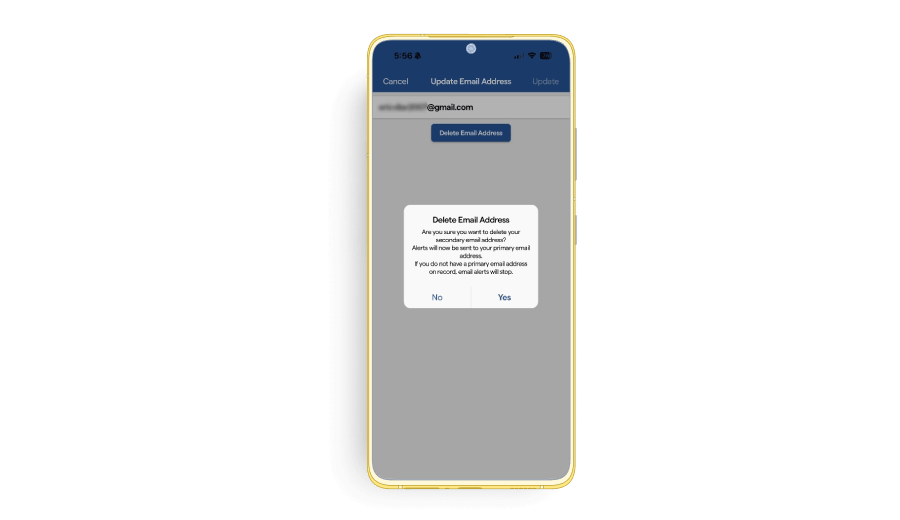
8. If you would like to delete an email, select the email address you want to delete and click “Delete Email Address”. A confirmation message will appear.