br
br

Learn How
Explore por tópico
How to Reset Your Password in the BB Americas Bank App
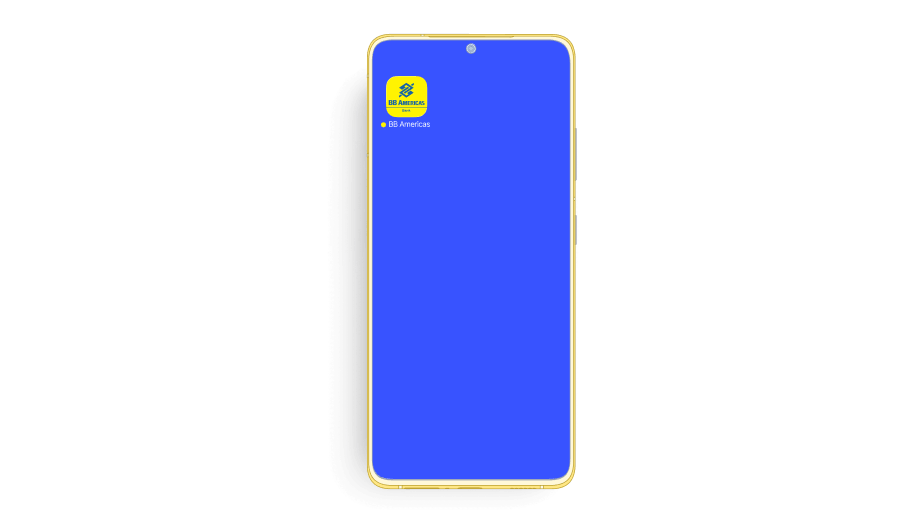
1. Open the “BB Americas Personal” Mobile App.
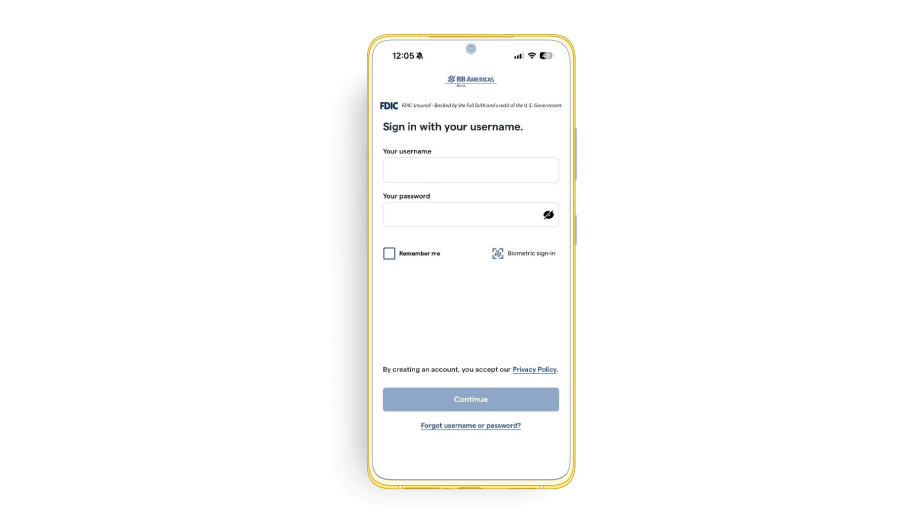
2. Click “Forgot username or password?”.
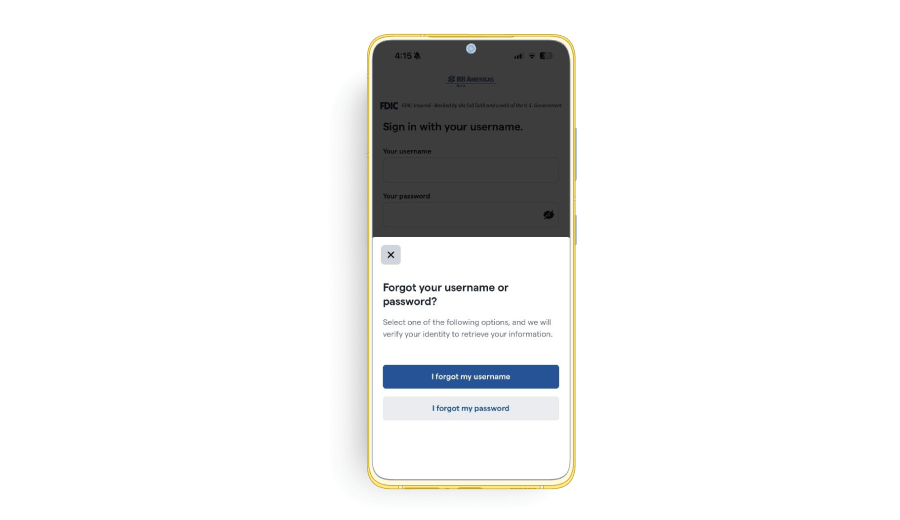
3. Click “I forgot my password”.
4. Enter your Username, Account number, Tax ID and click “Continue”.
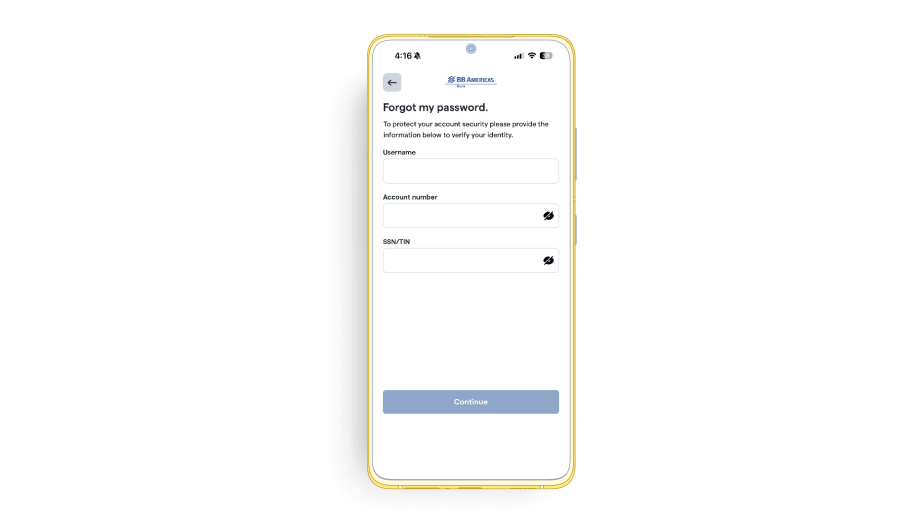
5. Before you can reset your password, you will be prompted to confirm your identity via Verification Code. Select the phone number where you wish to receive a text message and click “Send code”.
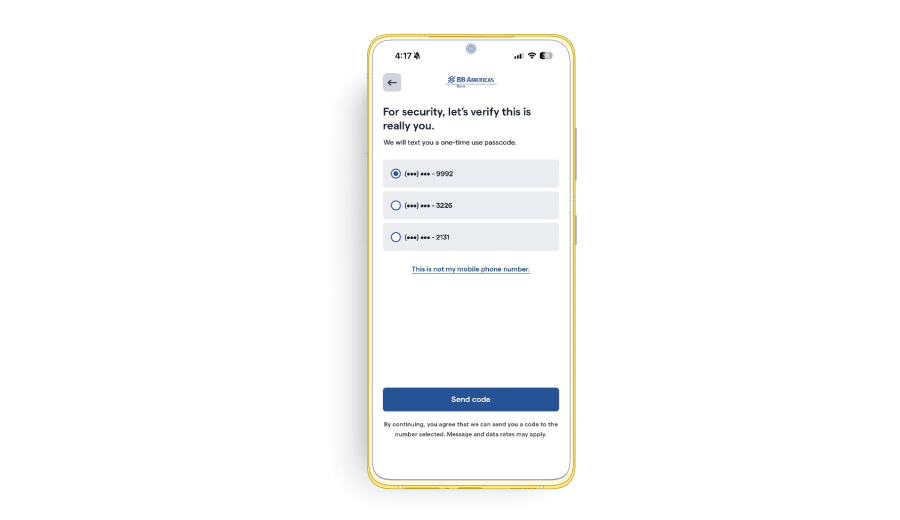
6. Insert the Verification Code and click “Continue”.
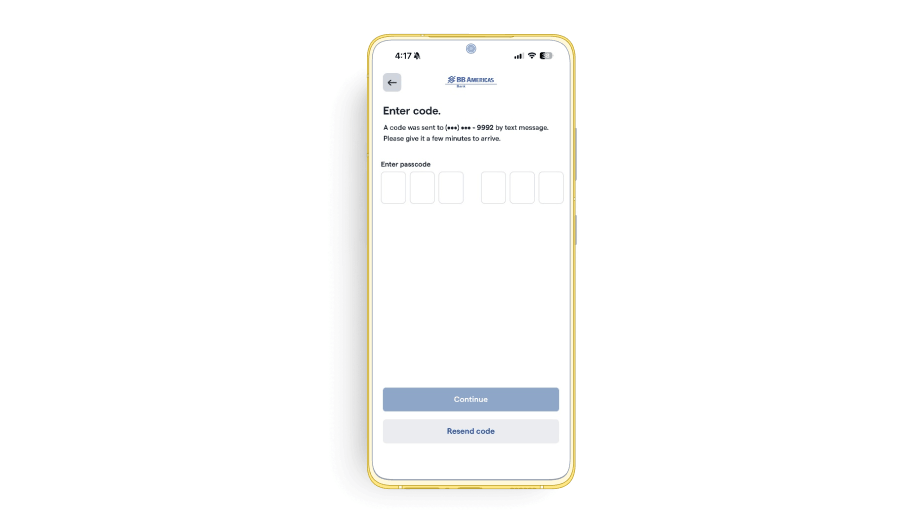
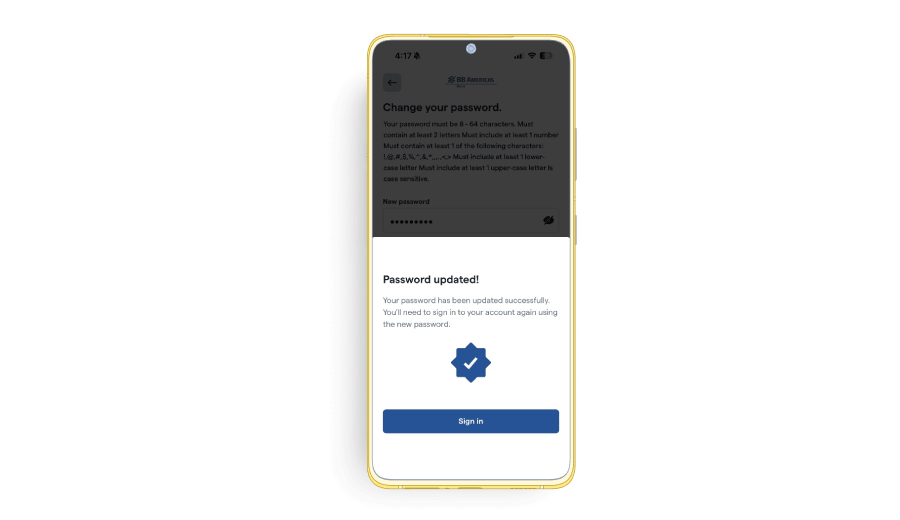
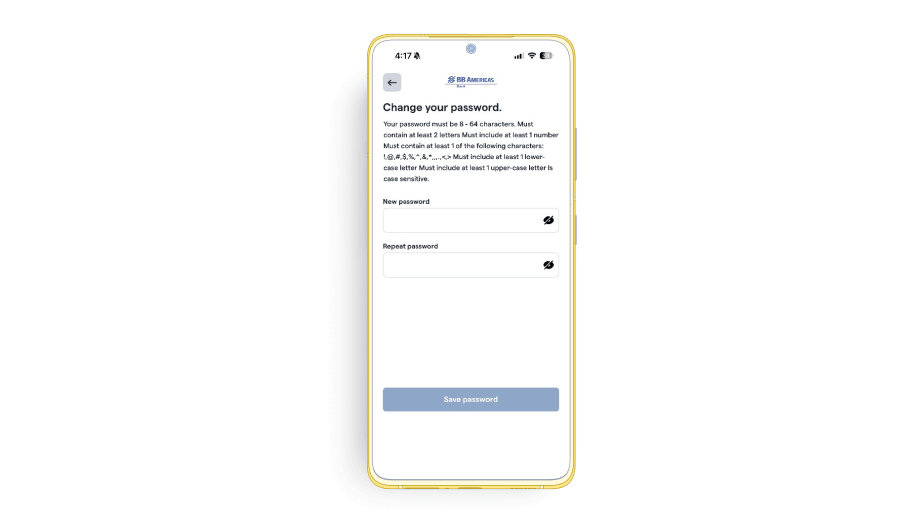
7. After your identity has been validated successfully, you are ready to create a new password.
Note: Your new password must contain 8 to 64 characters, at least 2 letters, 1 number, 1 of the following special character _ . @ – # $ % + / ^ ‘ and 1 lower case character, 1 upper case character and must be different from the last 5 previously created passwords.
8. Your new password was created successfully. Click “Sign In” to login to your account.