br
br

Learn How
Explore por tópico
How to Activate the Debit Card in the BB S.A. App
1. Access your BBA account in the BB S.A. App
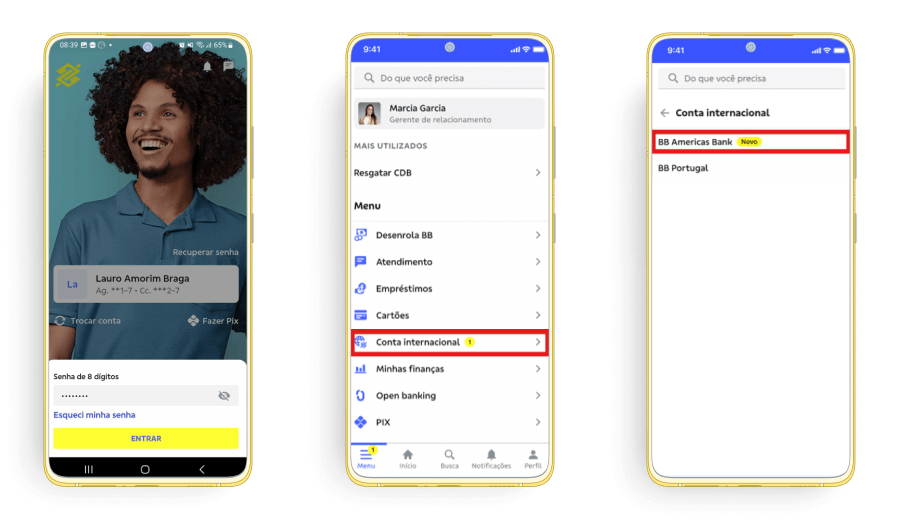
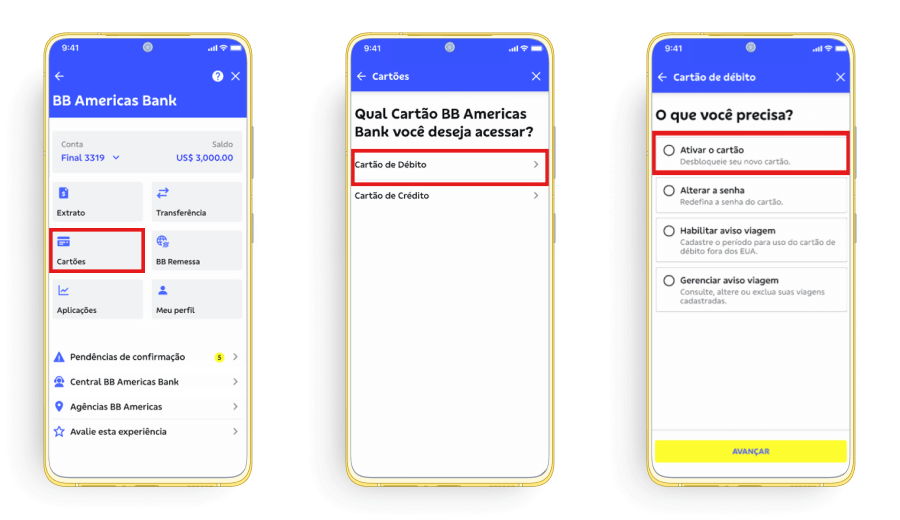
2. Click on “Cartões” > “Cartão de Débito” and select “Ativar o cartão”.
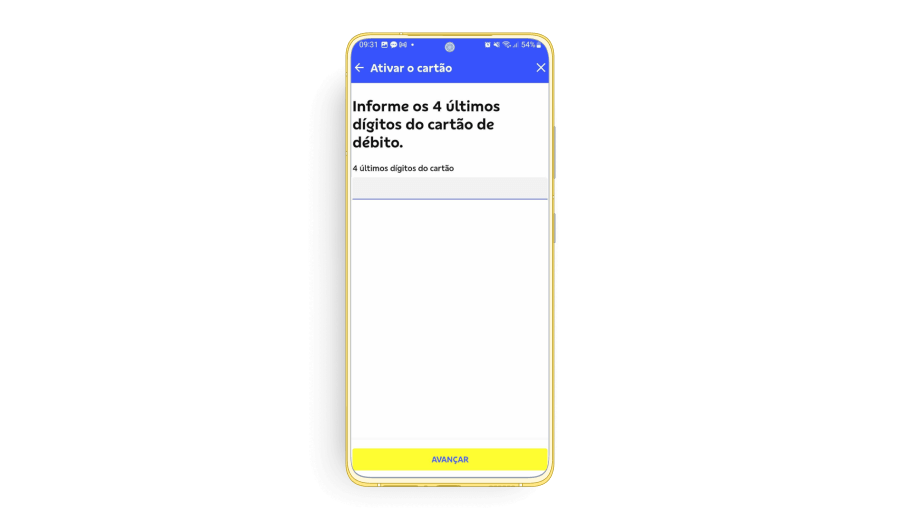
3. Enter the last 4 digits of the debit card you wish to activate.
4. Choose a 4-digit PIN for your debit card and re-enter the same PIN in the second field.
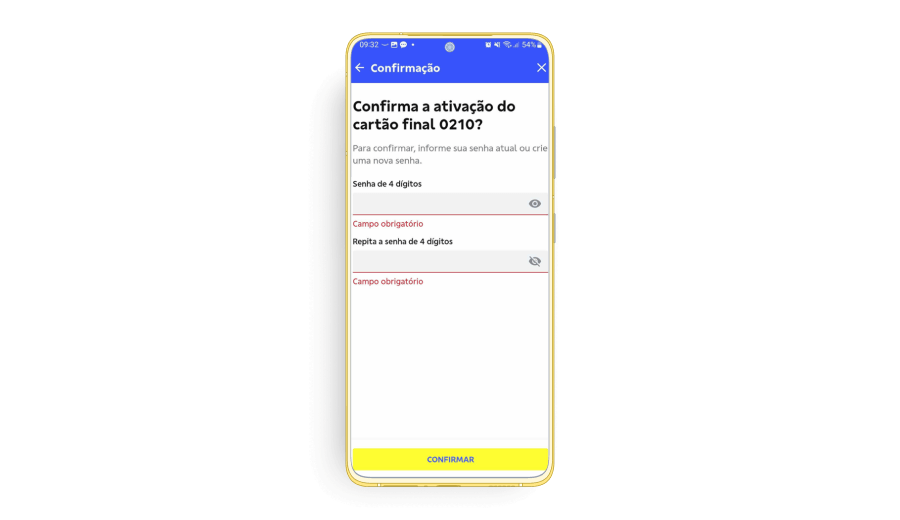
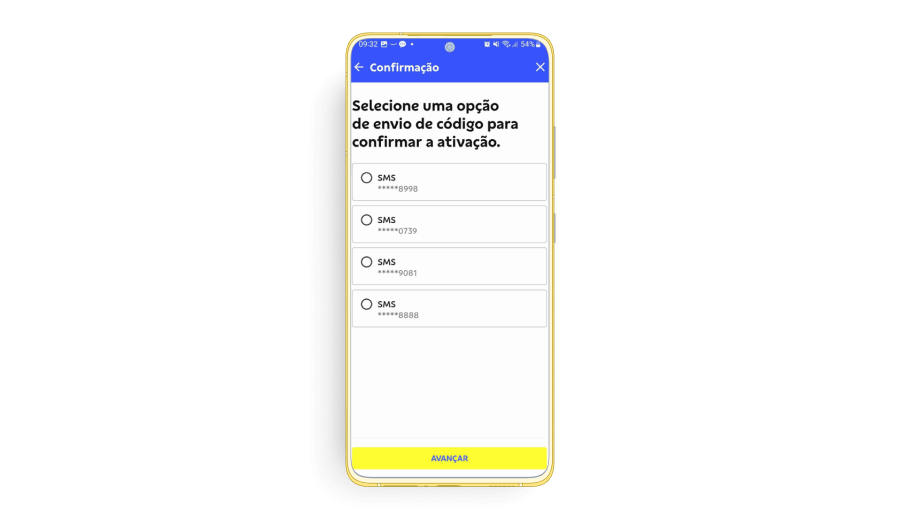
5. Select the previously registered phone number where you want to receive the verification code. If you do not recognize the listed phone numbers, contact the BB Americas Bank Client Support Center.